
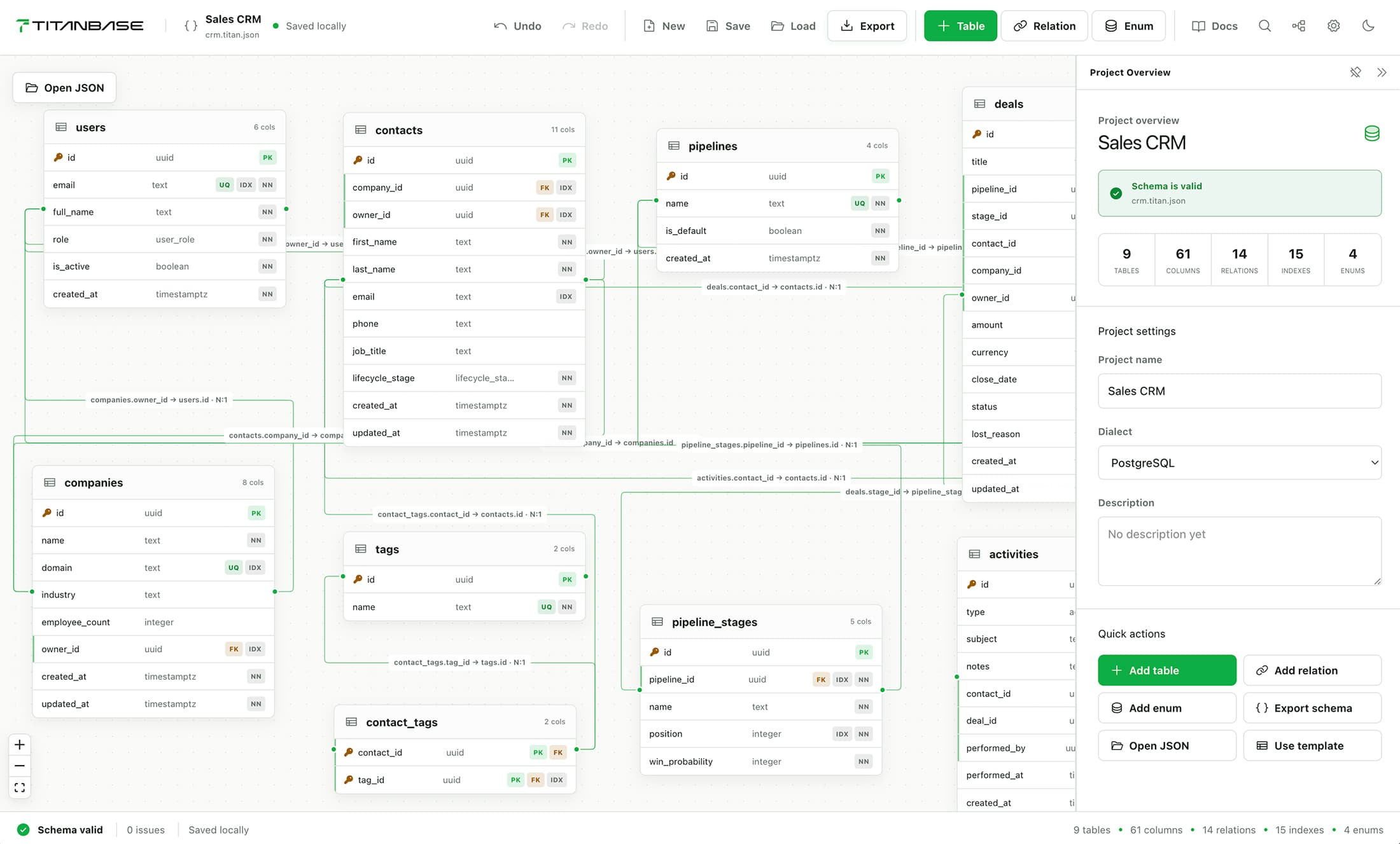
From canvas to production SQL in three steps.
No server, no account, no setup. Open the editor in your browser, design visually, and export to supported developer formats in seconds.
Design
Open the canvas. Add tables, columns, and explicit relations. Everything you build is reflected in real time.
Save
Your schema saves as a .titan.json file on disk. Commit it to git, diff it in pull requests, share it with your team.
Export
Pick a target — PostgreSQL, Supabase, Neon, Mermaid, Prisma, or Drizzle. Get developer-ready SQL or schema files instantly.
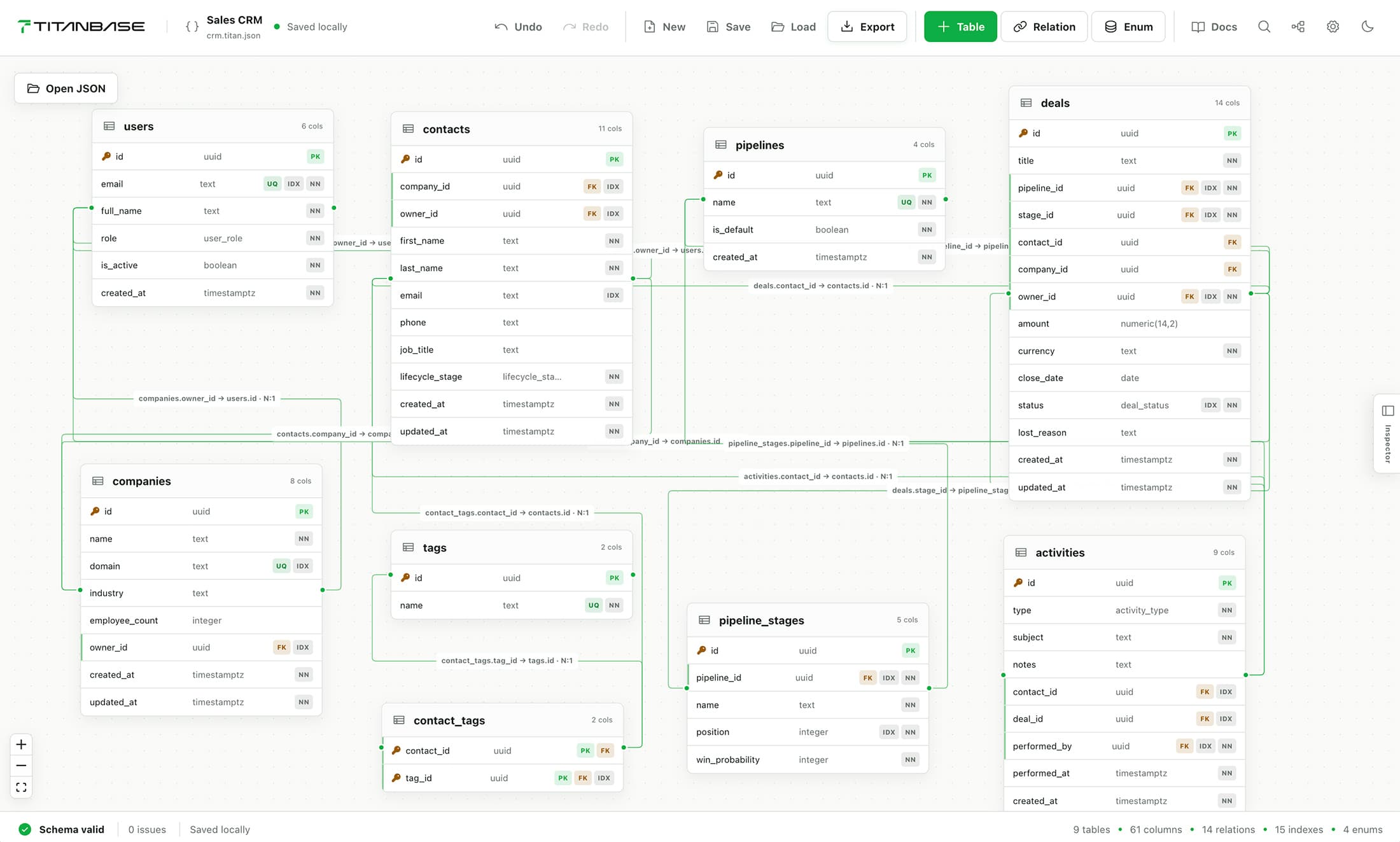
Built for developers
Most schema tools want an account, a subscription, or a cloud backend. Titanbase runs entirely on your machine.
Local-first
Your schemas live as files on your disk. Nothing leaves your machine, and everything works offline.
Open source
Editor, schema engine, importers, exporters, and desktop app — all open under Apache-2.0. Inspect it, fork it, extend it.
Git-friendly by design
Deterministic serialization means clean, reviewable diffs. Treat schema changes like any other code.
No lock-in
The .titan.json format is documented and portable. Export to any supported target, anytime.
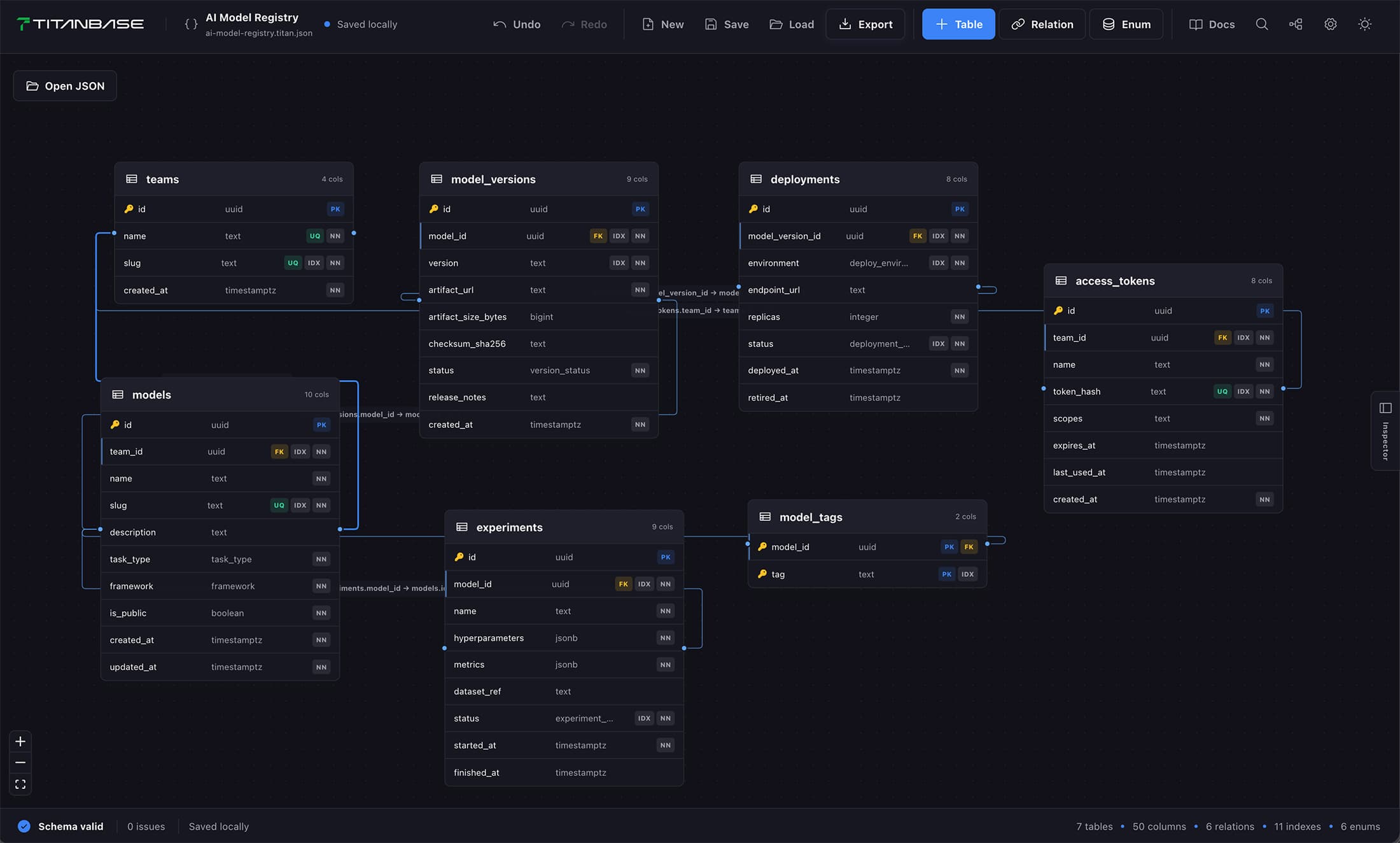
One file. Every backend.
Your schema is a single, human-readable JSON file — the source of truth. Import, diff, migration drafts, and exporters all work from the same local model.
{
  "$schema": "https://titanbase.run/schema/v1.json",
  "titanVersion": "1",
  "name": "Product Schema",
  "dialect": "postgres",
  "tables": [
    {
      "name": "users",
      "columns": [
        { "name": "id",    "type": "uuid",
          "primaryKey": true },
        { "name": "email", "type": "text",
          "unique": true }
      ]
    }
  ],
  "relations": [],
  "indexes": [],
  "enums": [],
  "metadata": {
    "editor": { "tablePositions": {} }
  }
}
PostgreSQL
schema.sql

Supabase
schema.supabase.sql

Neon
schema.neon.sql

Mermaid
schema.mmd

Prisma
schema.prisma

Drizzle
schema.ts
Open any .titan.json in a text editor and it makes sense immediately.
No runtime or proprietary tooling required to read or write it.
Sorted keys and stable serialization produce clean, meaningful diffs.
Files are validated locally before import, diff, migration drafts, and export.
Native desktop app
The local-first editor now ships as a native Electron app for macOS, Windows, and Linux — open and save .titan.json from your filesystem, import SQL, compare schemas, export files, and review migration drafts, fully offline.
Free and open source. Current packages are unsigned; signed installers are planned.
Titanbase updates
New exporters, editor releases, and roadmap progress — a short email at most once a month. No spam, unsubscribe anytime.